Description
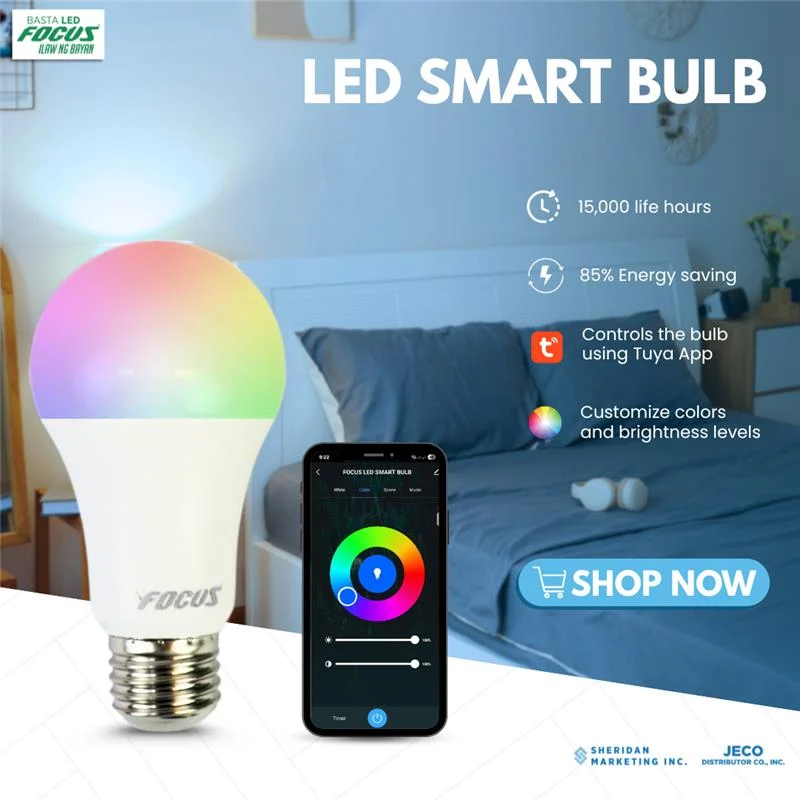
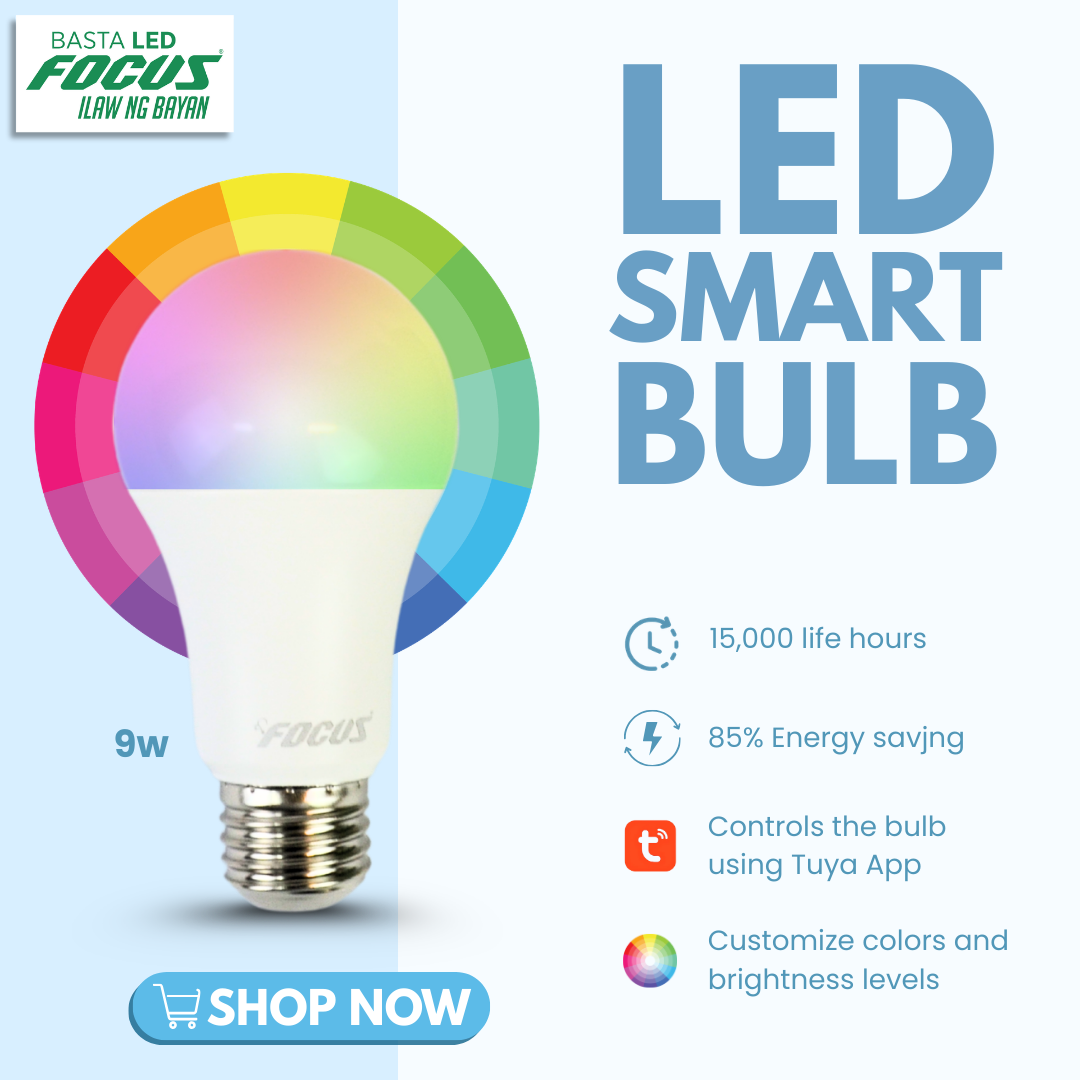
Setting up your Focus Smart Bulb 9W with the Tuya Smart app is straightforward. Because the bulb features dual Wi-Fi and Bluetooth connectivity, the app will usually detect it automatically the moment you turn it on.
Before you start, make sure your smartphone’s Bluetooth is enabled and that you are connected to a 2.4GHz Wi-Fi network (smart bulbs do not support 5GHz networks).
Step-by-Step Installation
1.Download and Log In:Requires 2.4GHz Wi-Fi.Download the Tuya Smart app from the Apple App Store or Google Play Store. Open the app and log into your existing account, or register a new one.
2.Put the Bulb in Pairing Mode:The Reset Process.Screw the bulb into your lamp or fixture and turn the power switch on. To put it in pairing mode, flip the switch Off and On 3 to 4 times consecutively (leave it off for 2 seconds, then on for 2 seconds each time).
Stop when the bulb begins flashing rapidly. This indicates it is ready to pair.
3.Add the Device:Automatic Discovery.Open the Tuya Smart app. A pop-up should automatically appear saying “Devices to be added”. Tap Go to add (or Add).
If no pop-up appears: Tap the + (Plus) icon in the top right corner, select Add Device, and the app will scan for nearby Bluetooth devices.
4.Enter Wi-Fi Credentials:Check your network.The app will prompt you to select your local Wi-Fi network. Ensure it is your 2.4GHz network, carefully enter your Wi-Fi password, and tap Next.
5.Finalize the Connection:Keep phone close to bulb.The app will begin connecting to the bulb. This typically takes 10 to 30 seconds. Once completed successfully, you can tap the pen icon to rename the bulb (e.g., “Living Room Lamp”) and hit Done.
Troubleshooting Tip: If the connection times out, it is almost always because the phone jumped onto a 5GHz Wi-Fi band or the Wi-Fi password was mistyped. If it fails, turn your router’s 5GHz band off temporarily, reset the bulb by repeating Step 2, and try again.
Once added, you can tap on the bulb’s icon within the Tuya dashboard to access the color wheel, adjust color temperature, dim the brightness, or set up automated timers.










Reviews
There are no reviews yet.